

1
Create your account
Go to dash.izap.ai and sign up with email and
password, or sign in with Google or GitHub.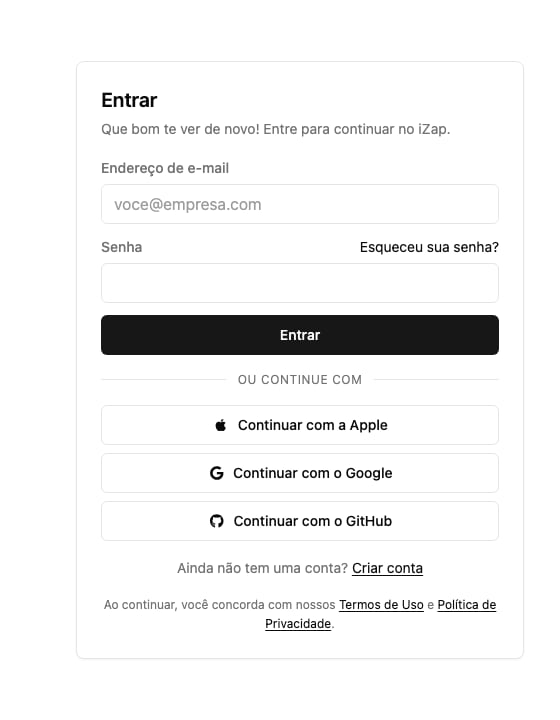
2
Connect your WhatsApp number
Follow the WhatsApp connection flow. The connection uses Meta’s official
integration (WhatsApp Cloud API), so have access to your company’s Meta
account at hand. The
Connect WhatsApp to the AI Trainer
guide shows every step with screenshots.
3
Create and train your assistant
Create an AI assistant and connect it to your number. In the
Trainer, describe your business, what the
assistant should (and should not) answer, and test its replies on sample
conversations. When you’re happy with it, click Publish: only published
instructions reach your customers.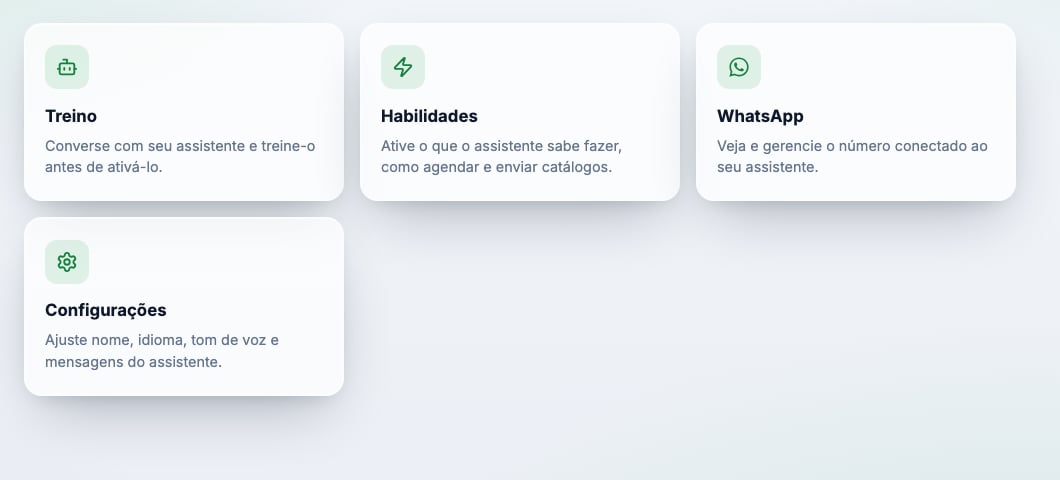
4
Follow the conversations
Done: your assistant is already answering customers. Follow the
conversations in the dashboard and take over
whenever you want to reply yourself.
Next steps
Refine the training
Come back to the Trainer whenever the assistant needs to learn something new
about your business.
Control the AI's replies
Pause the assistant, take over a conversation, and set your business hours.
Something didn't work?
See the fixes for the most common connection problems.
Talk to support
Questions? Write to [email protected].